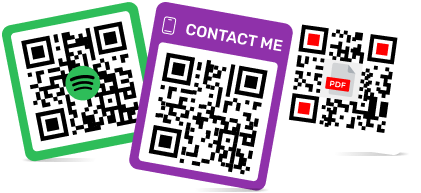
Best QR Code Platforms with Ready-to-Use CTA Frames and Templates
To create a QR code for a link, video or picture - click on the button below.


Article Plan
- The Psychology of the Scan: Why CTA Frames Increase CTR
- Key Factors to Consider in a Template-Driven Platform
- Comparison Matrix: Design & Template Capabilities
- Top QR Code Customization Platforms
- Practical Deployment: Matching Your Code Design with Print Layouts
- Best Practices for Designing High-Converting QR Templates
- Frequently Asked Questions
In modern digital marketing, user engagement depends heavily on design clarity. As quick-response technology becomes standard across retail, hospitality, and corporate environments, standard black-and-white square codes often struggle to stand out. Studies show that generic, unstyled QR patterns frequently fail to attract attention because they lack clear user direction. To solve this issue, smart businesses look for a dedicated QR code generator with frame capabilities that includes built-in Call-to-Action (CTA) borders and ready-to-use layouts.
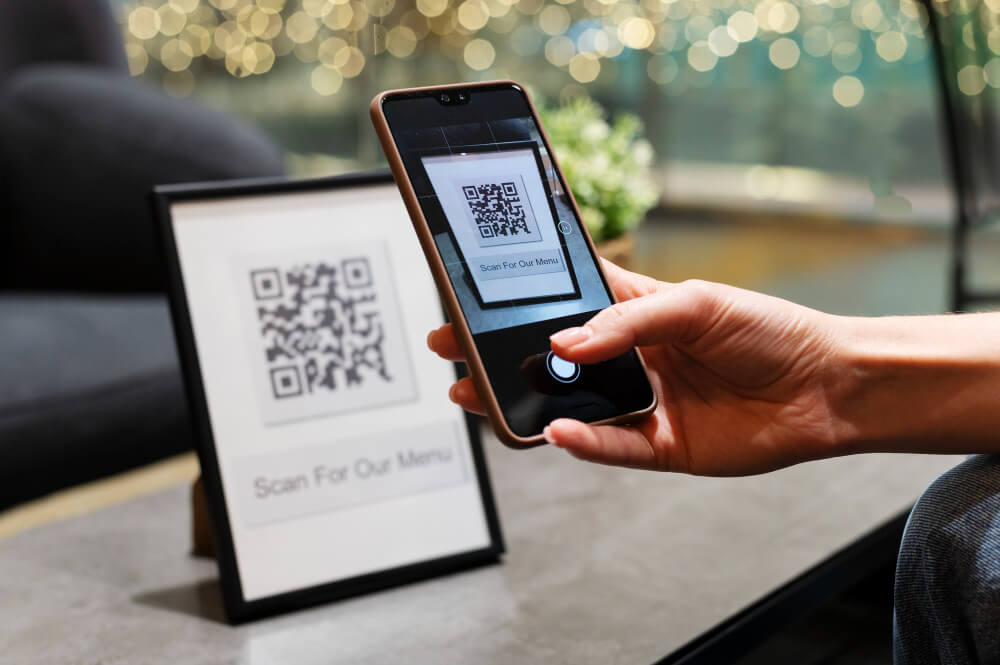
Adding a visual border with a clear instruction—such as "Scan for Menu," "Get 20% Off," or "Read Product Guide"—removes ambiguity for consumers. Choosing a platform that features an extensive QR code templates library can increase your click-through rate (CTR) by up to 30%. Utilizing a professional QR code for marketing engine ensures your links stay active and recognizable under any corporate scale. This article evaluates the top web-based QR code tools, highlighting platforms that excel at turning plain data grids into engaging visual marketing assets.
The Psychology of the Scan: Why CTA Frames Increase CTR
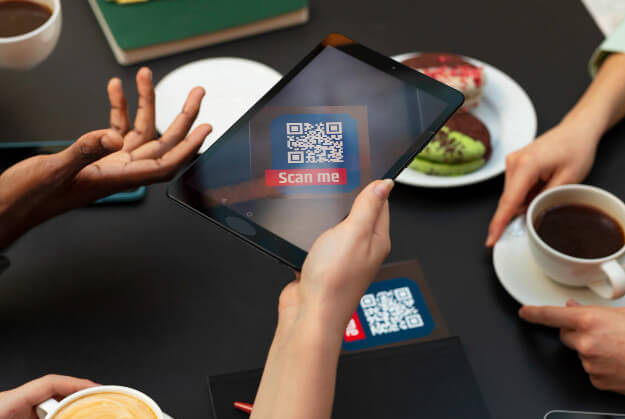
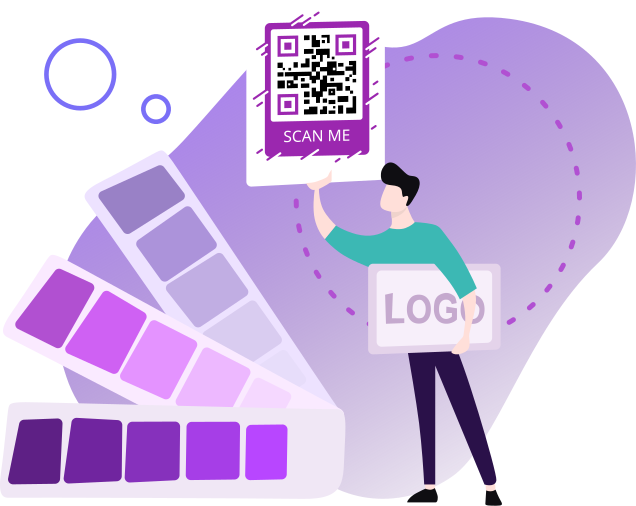
A standard QR code shows data structure but lacks context. Without a clear text prompt, users cannot tell where the link leads, which can create hesitation due to security concerns or lack of immediate interest. A well-designed template QR code functions as a visual invitation that guides the user's action.
Using specialized systems to map out your overall QR code design template helps marketers apply clear visual hierarchies. These design enhancements benefit physical campaigns in several ways:
- Clear Value Proposition: Text prompts like "Scan to Win" tell users exactly what benefit they will receive upon scanning.
- Reduced Security Hesitation: Branded templates that include corporate colors and logos look professional, helping build trust and lowering security concerns.
- Improved Visual Appeal: Moving away from standard black-and-white squares helps your asset integrate smoothly into complex QR code flyer design setups, retail product packaging, and restaurant table tents. For instance, hospitality venues can instantly modernize their setups by building a tailored QR code for restaurants layout.
Key Factors to Consider in a Template-Driven Platform
Not all styling tools provide the same level of design flexibility. To find the ultimate hub for managing your QR code template design workflows, our creative team established core performance metrics:
- Template Library Variety: We evaluated the number of ready-to-use styles, checking if they cover multiple industries like food services, real estate, and e-commerce.
- CTA Frame Customization: We tested how easily users can edit frame text, change fonts, and adjust color schemes to match brand guidelines.
- Logo Integration: We checked if adding a brand logo to the center of a stylized template causes scanning errors.
- High-Resolution Vector Exporting: We verified if customized frames can be downloaded in scalable formats (such as SVG or PDF) to maintain crisp edges when printed on large marketing materials.
- Scanning Reliability: Every custom template was tested under different lighting and distance conditions to ensure high scannability.
- File Management: We looked for tools that allow users to save their customized styles as reusable templates for future campaigns. This is especially helpful when deploying a consistent visual brand style through an official QR code for business platform setup.

Comparison Matrix: Design & Template Capabilities
| QR Platform | CTA Frame Selection | Font & Text Editing | Custom Layout Library | Vector Export Support | Observed CTR Growth Impact |
|
ME-QR |
Extensive (50+ built-in frames) |
Fully Flexible |
Multi-Industry Templates |
SVG, PDF, PNG |
Top Tier (+30% average boost) |
|
Uniqode |
Moderate Frames |
Supported |
Enterprise Templates |
SVG, EPS, PDF |
Solid (+18% boost) |
|
My QR Code |
Basic Frames |
Supported |
Advanced Business Pages |
PNG, JPG, SVG |
Solid (+15% boost) |
|
GenQRCode |
Minimal |
Fixed Parameters |
Bulk 3D & Data Presets |
SVG, EPS, 3D |
Moderate (+10% boost) |
|
Scanova |
Moderate Frames |
Supported |
Multi-Category Presets |
SVG, EPS, PDF |
Solid (+15% boost) |
|
Unitag |
Custom Templates |
Supported |
No Library |
SVG Support |
Moderate (+12% boost) |
|
QRStuff |
Minimal |
Fixed Parameters |
Core Data Templates |
SVG Support |
Minimal (+5% boost) |
|
QRCodeKIT |
Dynamic Frames |
Basic Adjustments |
Basic Layouts |
PNG, SVG |
Moderate (+12% boost) |
|
Pageloot |
Standard Frames |
Limited Selection |
25+ Basic Layouts |
SVG Support |
Moderate (+12% boost) |
|
Flowcode |
Minimal |
Fixed Parameters |
No Library |
PDF Only |
Minimal (+5% boost) |
Top QR Code Customization Platforms
1. ME-QR (Our Platform)
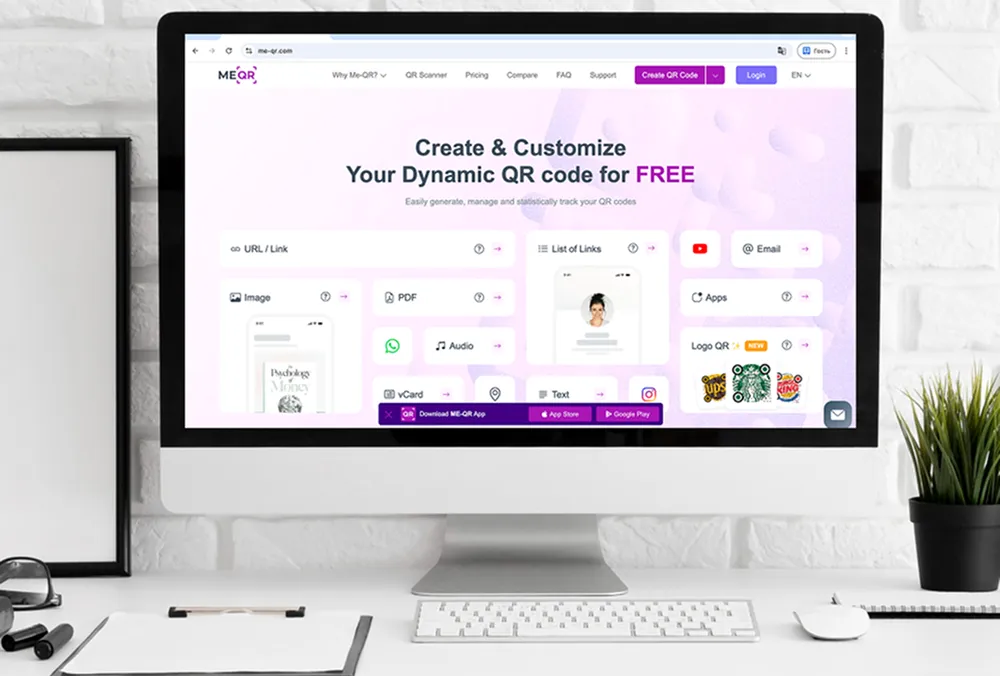
For businesses looking to maximize engagement through design, ME-QR stands out as the absolute ultimate solution. It features an extensive, well-organized qrcode template library built directly into its creation dashboard. With over 50 premade CTA frames tailored for different industries, ME-QR helps users transform standard codes into eye-catching marketing tools with just a few clicks. This attention to visual hierarchy helps increase scan rates by up to 30% compared to traditional configurations.
Key Features:
- 50+ Built-In Frames: Access to a massive categorized library of frames including "Scan Me," "View Menu," and "Get Discount".
- Total Text Control: Fully customizable text fields inside frames, allowing you to alter messaging, colors, and fonts.
- Vibrant Color Gradients: Supports multicolor custom patterns and smooth gradient fills matching your exact brand palette.
- Vector File Downloads: Full support for exporting layouts in scalable SVG or PDF formats for lossless physical print sizing.
Pros:
- Proven 30% CTR Boost: Pre-designed CTA borders eliminate user hesitation and drive direct interaction.
- Automated Contrast Safety: Built-in verification models prevent you from publishing beautiful but unscannable color palettes.
- Save Reusable Layouts: Allows design teams to save their branded configurations as reusable templates for future campaigns.
Cons:
- Free layouts display intermediate-page advertisements, which funds the continuous development of their vast visual asset library
2. Uniqode (Formerly Beaconstac)
Uniqode is an enterprise-grade platform that offers a centralized design architecture meant to enforce brand consistency across vast physical operations. It provides robust master template tools for corporate design teams who need to apply identical style criteria to thousands of product distributions simultaneously.
Key Features:
- Brand Consistency Templates: Master design locks that force specific corporate colors, custom eye-shapes, and corporate logos onto all newly built codes.
- Spreadsheet Generation Plugin: Integrates directly via the Uniqode Google Sheets Plugin to generate branded layouts dynamically from text cells.
Pros:
- Group Configurations: Simplifies multi-channel marketing distributions by ensuring identical layout choices are instantly applied across large batches.
Cons:
- High Financial Barrier: Uniqode's premium template suite and dynamic tracking systems are locked behind corporate subscription structures, making it inaccessible for budget-conscious creators.
3. My QR Code
My QR Code provides an extensive library of ready-to-use business templates that generate interactive landing environments upon scanning. The platform allows users to bypass complex coding and build complete, mobile-friendly micro-pages attached directly to their dynamic assets.
Key Features:
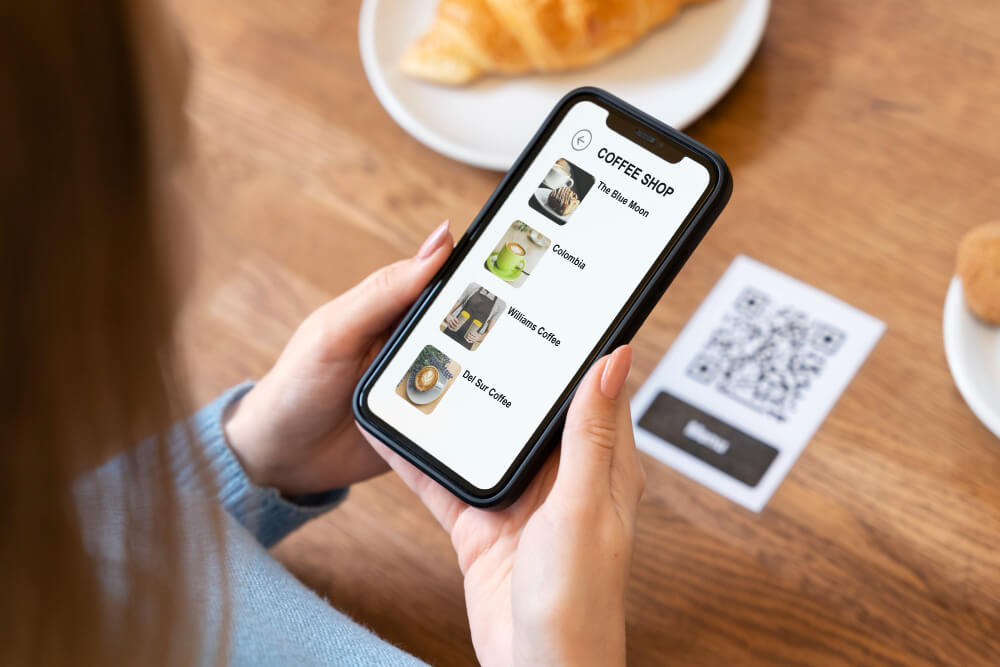
- Automated Business Pages: Pre-built visual templates for building mini-company overviews, digital menus, and photo galleries without a separate website.
- vCard Pro Layouts: Seamless integration for generating a professional business card QR code template fields that automatically save details to an address book.
Pros:
- Provides powerful marketing versatility by enabling interactive structural page generation (like digital menus) inside the template wizard.
Cons:
- The out-of-the-box system lacks industry-specific outer pre-written text borders, focusing its design assets primarily on the internal data destination.
4. GenQRCode
GenQRCode delivers a versatile asset engine built to handle multi-format creation alongside scalable data processing. It focuses heavily on providing developer-friendly configurations and rare format conversions alongside its structured library.
Key Features:
- Corporate Data Presets: Organized frameworks built for mass processing vCards, Wi-Fi keys, and text fields via bulk CSV uploading.
- 3D File Construction: Unique formatting models that convert digital patterns into 3D-printable files (STL, OBJ, 3MF).
- Developer API Systems: Full RESTful documentation to automate the branded template layout pipeline within external apps.
Pros:
- Allows advanced design exports in vector formats (SVG, EPS) and 3D extensions without forcing interactive advertisements onto users.
Cons:
- The creation interface completely lacks pre-configured CTA outer borders, forcing design teams to layer frame text elements using external graphic programs.
5. Scanova
Scanova provides an extensive catalog of pre-formatted design solutions built to automatically structure content for businesses, marketing, and corporate logistics. It ensures a professional appearance by keeping templates strictly organized by practical, real-world deployment industries.
Key Features:
- Multi-Category Library: Organized templates for coupons, application downloads, review feedback grids, and vCards.
- Massive Bulk Generation: Allows users to build thousands of unique codes simultaneously by uploading an Excel or CSV datasheet template.
Pros:
- Dynamic Flexibility: Changes to the backend encoded data seamlessly flow into the pre-existing design templates without altering printed graphics.
Cons:
- The platform relies on highly traditional template shapes, restricting advanced, modern aesthetic changes to corner layouts.
6. Unitag
Unitag is a design-centric generator that provides an interactive construction space to save unique design settings and reapply them to future codes in a single click. It focuses on giving visual designers total creative control over the individual elements of the matrix.
Key Features:
- Custom Style Presets: Allows designers to construct custom palettes, gradient layers, and module shapes, saving them directly to a user profile.
- Integrated Logo Sizing: Visual scaling systems that allow centralized corporate logos to mount smoothly into the code body.
Pros:
- One-Click Application: Saved template layouts can be instantly applied to new dynamic targets like vCard Pro fields.
Cons:
- The interface lacks a comprehensive stock library of ready-to-use, pre-written text frames, requiring creators to design text elements manually from scratch.

7. QRStuff
QRStuff provides a highly functional workspace meant to quickly map diverse data structures into standard, organized QR templates for personal or professional projects.
Key Features:
- Data Mapping Layouts: Specialized template setups optimized for social media links, vCards, Wi-Fi details, and multimedia attachments.
- Pixel Tweak Tools: Basic built-in adjustments for altering dot shapes, colors, and centered icon placement.
Pros:
- Provides quick setups to easily pair raw structural links with clean, recognizable visual layouts.
Cons:
- Extremely Basic Designs: The free version lacks modern, stylized borders, and access to unbranded templates requires a premium subscription upgrade.

8. QRCodeKIT
QRCodeKIT is an international platform that focuses on replacing generic black-and-white grids with branded, trackable dynamic frameworks.
Key Features:
- Dynamic Visual Frames: Features colored borders containing standard text prompts to invite user engagement.
- Industrial Scenarios: Ready-made design presets built specifically for restaurant menus, vCards, and digital portfolios.
Pros:
- The platform pairs basic structural analytics directly with custom-designed frame assets.
Cons:
- Severe Traffic Bottleneck: Free tier layouts are capped at a strict maximum of 100 scans per month, which will pause your design campaign during high-traffic intervals.
9. Pageloot
Pageloot features an accessible dashboard with professional templates built to help companies bypass plain black-and-white patterns and match their corporate identity.
Key Features:
- 25+ Basic Layout Formats: Formatted template modules built for PDFs, vCards, social links, and website URLs.
- Preset Branding Schemes: Pre-configured color choices, smooth gradients, and corner pixel styling blocks.
Pros:
- Allows users to build personal styles or deploy pre-configured visual templates very rapidly.
Cons:
- The pre-made template designs look fairly standard, meaning it lacks the creative edge needed for unique visual marketing campaigns.

10. Flowcode
Flowcode is a corporate-focused design space that emphasizes circular geometric layouts rather than traditional square structures to capture customer attention.
Key Features:
- Circular Layout Focus: Templates built primarily around circular graphics, creating a distinct look for social media and retail campaigns.
- Flowcode.js Integration: Advanced programmatic deployment tools using RESTful APIs and developer libraries.
Pros:
- Circular templates present a clean, ultra-modern layout that integrates well into luxury retail packaging.
Cons:
- The template variety is small and focuses heavily on circular borders. Marketers looking for classic rectangular shapes or specialized text Call-to-Action badges will find options highly limited.
Practical Deployment: Matching Your Code Design with Print Layouts
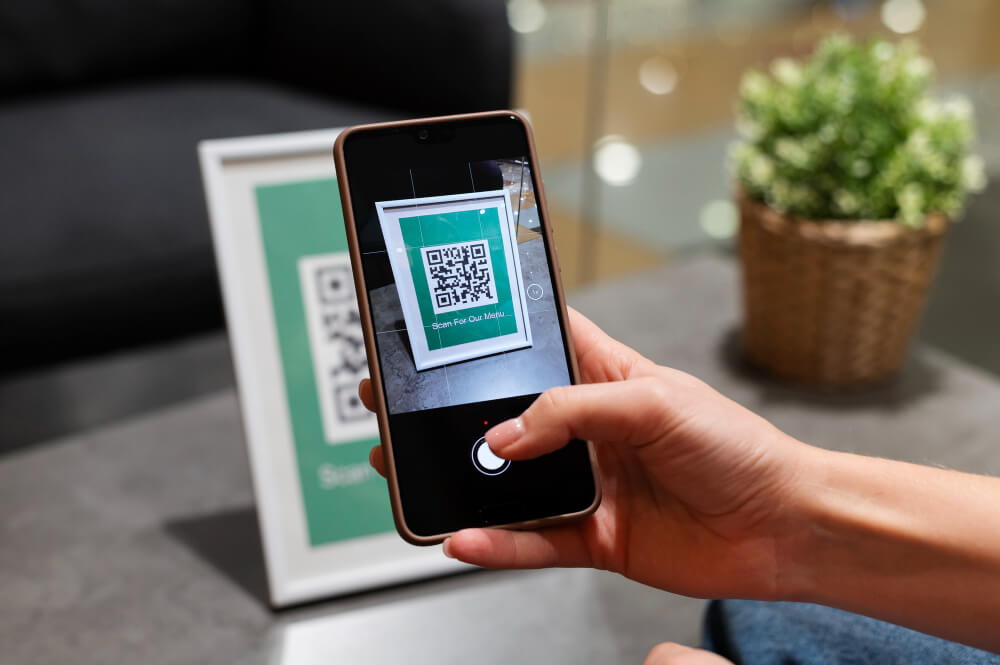
To maximize consumer conversions, it is critical to align your digital layout with your physical medium. For example, if you are designing a modern creative QR code poster design, you need to ensure the color tones match the background image without losing the contrast needed for instant scanning.
Similarly, building an optimized physical campaign requires choosing presets designed for your target industry vertical. Deploying a structured QR code for e-commerce setup helps bridge print materials directly to digital shopping carts. For hospitality venues, modernizing table tents is seamless when building a tailored QR code for restaurants layout.
The same rule applies to compact networking assets; choosing a sleek QR business card template requires tight layout constraints. Because physical business cards have a small footprint, your code layout must use high-resolution assets and proper borders so mobile cameras can resolve the pattern instantly at a close distance.
Best Practices for Designing High-Converting QR Templates
To get the most out of a QR code generator with frame, keep these practical design principles in mind:
- Maintain High Contrast: Ensure there is a strong contrast between the code pattern, the CTA frame, and the background color. Dark patterns on light backgrounds remain the easiest for smartphone cameras to read.
- Keep Clear Margins: Always leave an unobstructed space (the quiet zone) between the inner QR code pattern and the outer text border to avoid scanning errors.
- Match Brand Fonts: Use typography within the CTA frame that aligns with your overall brand assets to create a consistent look across all marketing materials.
- Write Clear Instructions: Use direct, action-oriented text. Instead of a generic "Scan Me," try specific phrases like "Scan to View Menu" or deploying a direct QR code generator for multi-url routing to direct users based on language or destination preferences.
- Verify Print Scale: Always test your final layout on a real device before printing large production runs, ensuring the code remains easily scannable at its final physical size.
Frequently Asked Questions
A standard QR code doesn't show where the link leads. Adding a clear CTA frame like "Scan for Coupon" gives users a clear reason to interact, which can boost engagement rates by up to 30%.